
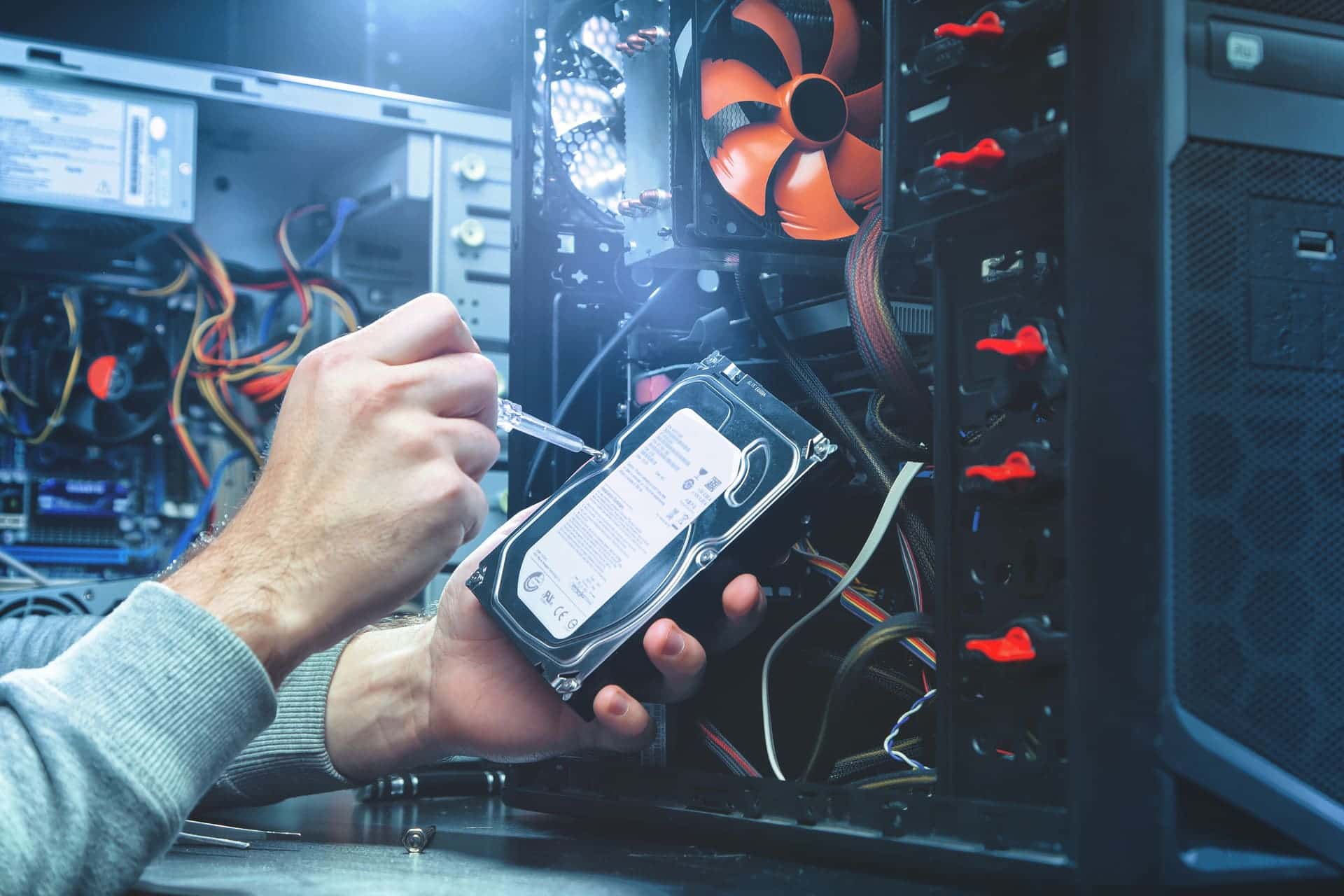
Laptop and desktop repair in Lake Zurich
We repair Windows laptops and desktops for homes and businesses at our store on Route 22 in Lake Zurich: computers that won't start, Windows problems, slow machines, failed hard drives and broken laptop screens. Walk in Monday to Friday 9 to 5 or Saturday 9 to 2, no appointment needed. We tell you what's wrong and what it costs before any work starts.
- Walk in, no appointment
- Quote before any work starts
- Diagnostic fee goes toward the repair
- 90-day warranty on repairs
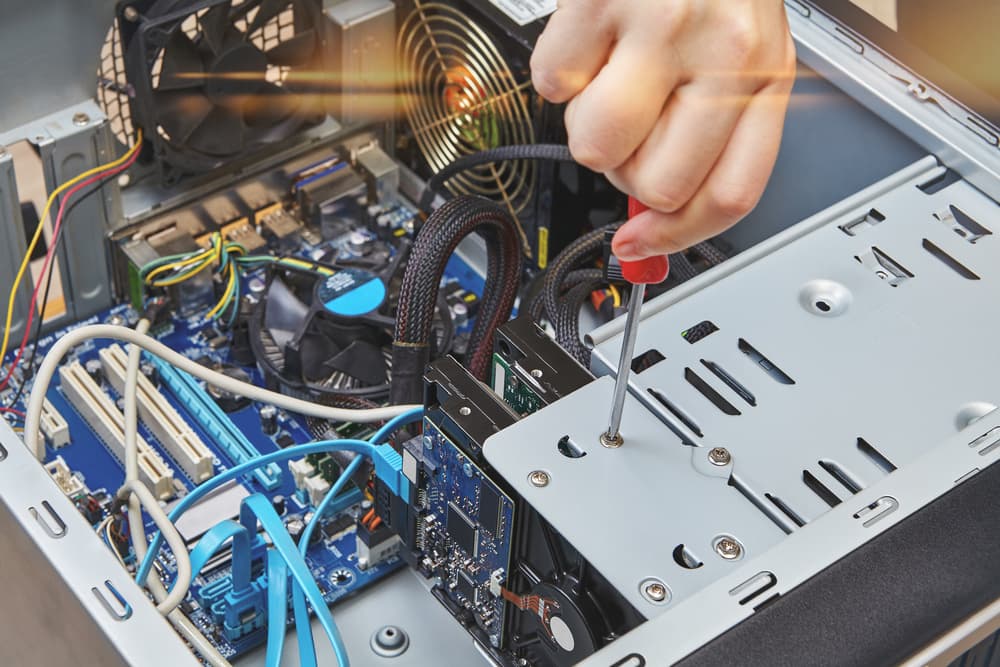
Laptop and desktop repairs we do
- Computers that won't start
- Power supply, motherboard and memory faults
- Windows errors, crashes and start-up problems
- Windows reinstalls with your files put back
- Slow computers sped up with an SSD
- Failed hard drive replacement
- Laptop screen replacement
- Laptop keyboards and charging ports
Laptop or desktop won't start
You press the power button and nothing happens. Or the fans spin but the screen stays black, the computer beeps and stops, or it shuts off before Windows loads. These usually point to hardware: the power supply, the motherboard, the memory or the drive, and on a laptop the charger as well.
We find which part has failed before anything is replaced, and you get the quote before any work starts.
Before you bring it in, try it once more and note what you see and hear: lights, fan noise, how many beeps, any message on the screen. A short video on your phone helps too.
Windows errors and crashes
Windows errors show up once the computer is running, as pop-ups or error messages, and are generally the easier kind to fix. If Windows won't load at all, the cause can be Windows itself or the hardware under it, so bring the computer in. Either way, copy off the files that matter while the computer still lets you.
If Windows can be repaired, we repair it. If it has to be reinstalled, you hear that with the quote, before anything is erased, and your files are put back afterwards.
Pop-ups, fake virus warnings or programs you didn't install are malware rather than a Windows fault: see virus removal.
Slow computer: SSD upgrade
A slow computer can come from malware, a nearly full drive, too little memory or an old mechanical hard drive, and sometimes from more than one of these. We find out which before suggesting anything.
If the old hard drive is what holds it back, we fit a solid state drive (SSD). We can clone the old drive onto it, so the computer starts up with everything you had: the same programs, settings and files.
If you would rather replace the computer, we sell refurbished laptops and desktops when we have them in stock: see computers for sale.
Failed hard drive replacement
When a hard drive fails, we replace it and get the computer running again. If you need the files that were on the old drive, say so when you bring it in, and see data recovery and backup.
Laptop screens, keyboards and charging ports
We replace laptop screens that are cracked or show lines, flicker or dark patches.
Keys that stick or no longer type, and a charging port that has worked loose, are repaired at the store too.
Desktop computers for homes and offices
Homes and offices bring us their desktop towers for the same work: a failed hard drive replaced, an SSD fitted to a slow tower, Windows problems fixed, and power supply, motherboard and memory faults tracked down.
If several computers are down at once, or the trouble is the network rather than one computer, see networks and servers.
MacBooks, iPhones, iPads and game consoles
- MacBooks: see MacBook repair.
- iPhones and iPads: see iPhone and iPad repair.
- Game consoles: see game console repair.
How a repair works
- Bring the computer in while the store is open; you don't need an appointment. Or send a repair request first and get a free quote back by text or email.
- We work out what's wrong. You get a diagnosis and a quote back the same business day.
- You decide whether to go ahead. There is a diagnostic fee, and it goes toward the repair.
- We do the repair, and you pick the computer up from the store.
What to bring
For a laptop, bring its charger. For a desktop, bring the tower. A line or two on what happened before it went wrong helps: a storm or power cut, a fall, or a new program.
Where to bring your laptop or desktop in Lake Zurich
The store is at 584 W State Rte 22, Lake Zurich, IL 60047, with its own parking lot and a wheelchair accessible entrance. Hours: Monday to Friday 9 AM to 5 PM, Saturday 9 AM to 2 PM, closed Sunday.
Call 847-381-7960 or email lzcsar@gmail.com. For the map, directions and reviews, see our Lake Zurich store page.
Common questions
- Do you charge for diagnosis?
- Yes. There is a diagnostic fee, and it goes toward the repair. We find the real fault first and tell you what it costs before any work starts, so you decide before anything is done.
- How soon will I know what's wrong and what it costs?
- You get a diagnosis and a quote back the same business day.
- Will an SSD make my old laptop faster?
- Usually, if it still runs on a mechanical hard drive: Windows starts sooner and programs open faster on a solid state drive. If the slowness comes from malware or a nearly full drive, a new drive alone won't fix it, which is why we look for the cause first.
- Can you fix my computer without me bringing it in?
- Sometimes. If the computer starts and can get online, a remote session may fix a software problem while you watch. Call 847-381-7960 to ask whether yours can be done that way.
- Do your repairs come with a warranty?
- Yes, repairs come with a 90-day warranty. If something goes wrong with the repair within 90 days, bring it back to the store that did the repair.
Walk in, call, or request a repair
No appointment needed. We will look at your device and give you an honest quote before any work starts.