
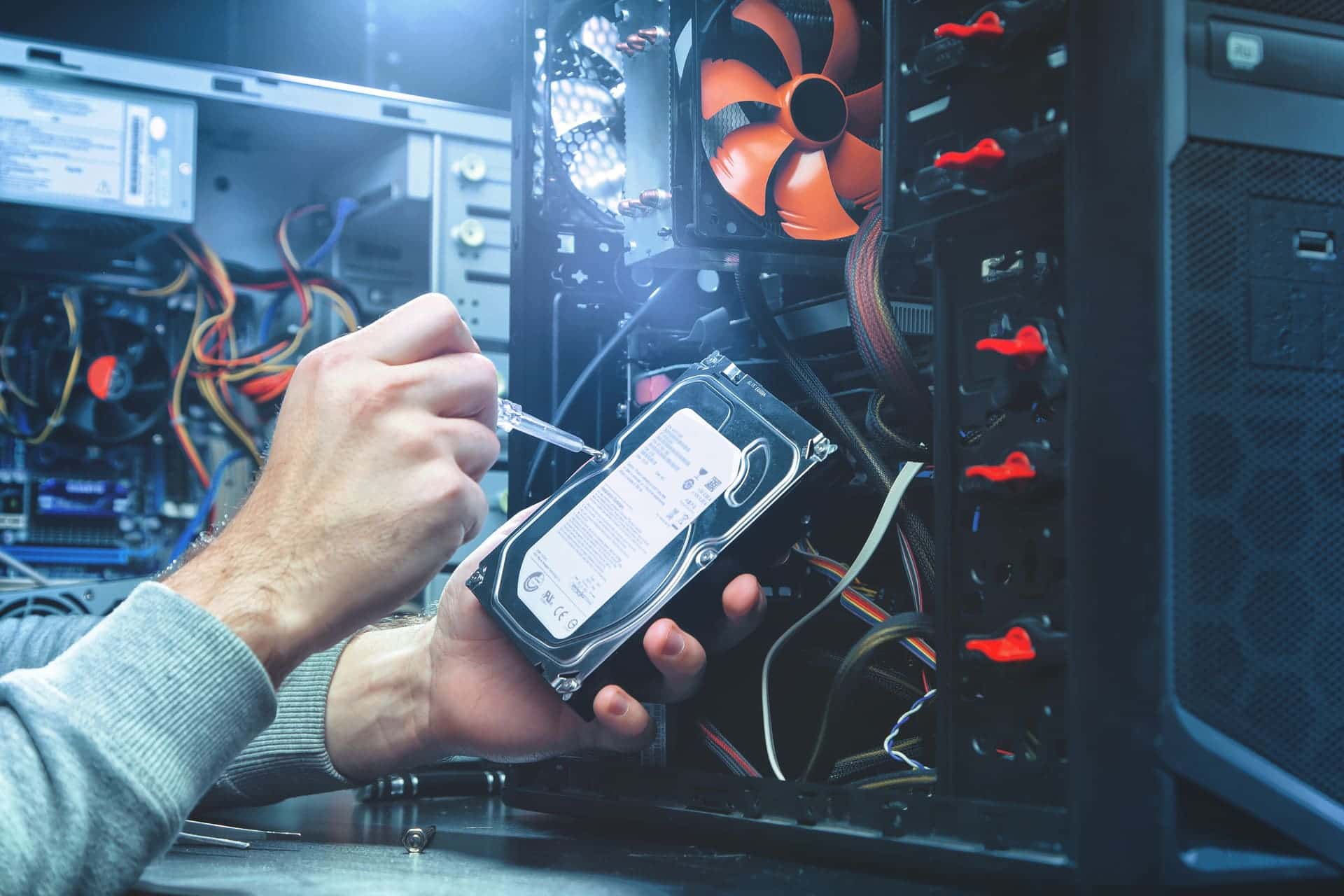
Data recovery and backup in Lake Zurich
A failed hard drive or a damaged laptop doesn't always mean the files are gone. If a drive is failing, shut the computer down and leave it off until you bring it to our store on Route 22 in Lake Zurich. We tell you what's wrong and what it costs before any work starts, and we can set up backups so the next failure doesn't take your files with it.
- Walk in, no appointment
- Quote before any work starts
- Diagnostic fee goes toward the repair
Data recovery and backup services
- File recovery from failed hard drives and SSDs
- Photos and documents recovered from damaged laptops
- Automatic backup to an external drive
- Online backup kept off-site
- Files moved to a new computer
If a drive is failing: what to do now
A failing hard drive can get worse every time it runs, so the less it runs from now on, the better your chances.
- Shut the computer down, and stop restarting it to see if it comes back
- If you hear clicking or ticking from inside, leave it off
- Don't reset the computer or reinstall Windows until the files are off it
How hard drive recovery works
We start by finding out what failed, then tell you what it costs before any work starts. There is no set price, because the work depends on what failed and how much of the drive can still be read.
If you have a backup, recovery means a new drive, Windows and your programs reinstalled, and your files copied back from the backup. That part is laptop and desktop repair.
With no backup, we attempt recovery from the failed drive itself. It is not always possible.
Files from a laptop that won't power on
A laptop that won't power on, or one that was dropped, often still has a working drive with your photos and documents on it. Tell us at drop-off if the files matter more to you than the laptop. Getting the laptop itself working again is a separate repair: see laptop repairs.
Files on a MacBook that won't start
Recent MacBooks keep their files on the main board itself rather than on a separate drive. To get them off a MacBook that won't start, it usually has to be repaired and running again first: see MacBook repair.
Backup options, plainly
An external hard drive holds a lot and copies everything quickly. Online backup keeps a copy off-site, so a fire or a theft does not take the backup along with the computer. Flash drives are fine for a handful of files. We recommend the combination that fits how much you have and how often it changes, then automate it.
Setting up backups
A backup only helps while it keeps running. External drives get unplugged and online subscriptions lapse, usually without anyone noticing until the day the backup is needed. We set backups up to run on their own.
Backing up every computer in an office to one place is part of a network setup: see networks and servers.
Replacing the computer? We can move your files to the new one.
Bring it to our Lake Zurich store
Lake Zurich Computer, 584 W State Rte 22, Lake Zurich, IL 60047. Walk in Monday to Friday 9 AM to 5 PM or Saturday 9 AM to 2 PM, no appointment needed. For a laptop, bring the charger too.
Call 847-381-7960 if you want to ask something first, or request a repair online and we reply by text or email. Directions are on our Lake Zurich store page.
Common questions
- My computer won't turn on. Are my files gone?
- Not necessarily. When a computer won't power on, the fault is often somewhere other than the drive, and the drive with your files still works. We find out what failed first and tell you what it costs before any work starts.
- Should I keep using the computer until I can bring it in?
- Not if the drive may be failing, for example if it clicks, freezes for long stretches or reports disk errors. Shut it down and leave it off, because every run can make a failing drive worse.
- How much does data recovery cost?
- It depends on what failed and how much of the drive can still be read, so there is no set price. We look at it first and tell you what it costs before any work starts.
- Can you set up backups for an office?
- Yes. Lake Zurich Computer works for homes and businesses. A single computer can get its own automatic backup, and backing up every computer in an office to one place is part of a network setup, which we also do.
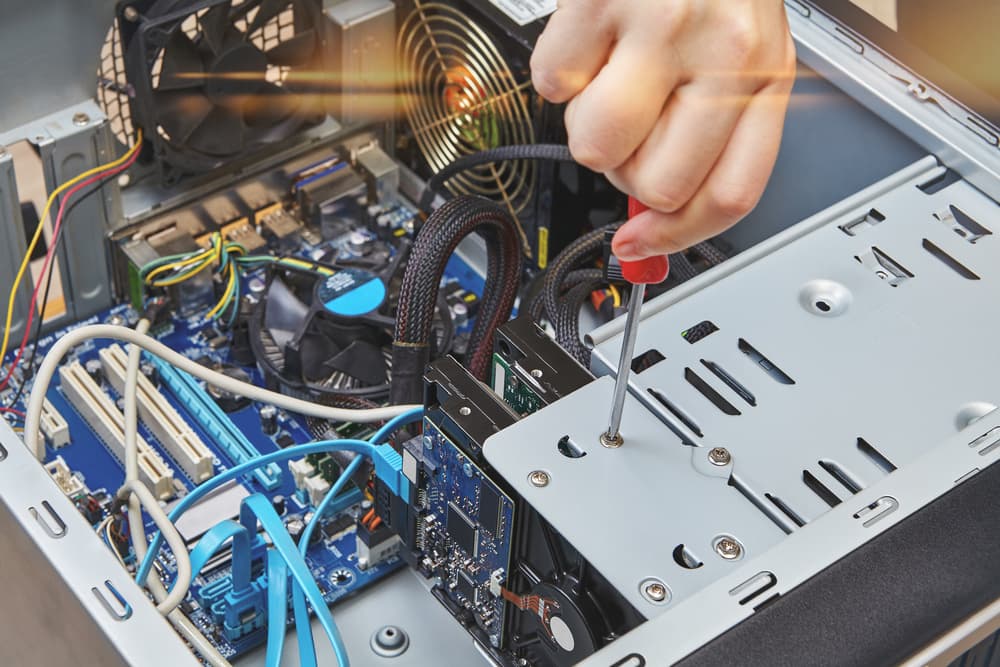
Walk in, call, or request a repair
No appointment needed. We will look at your device and give you an honest quote before any work starts.